
AI unpixelating
Unpixelate Image Free — Sharpen Pixelated Photos Online
JPG, PNG or WEBP · up to 10 MB · free credit on sign-up, no credit card required
 BeforeAfter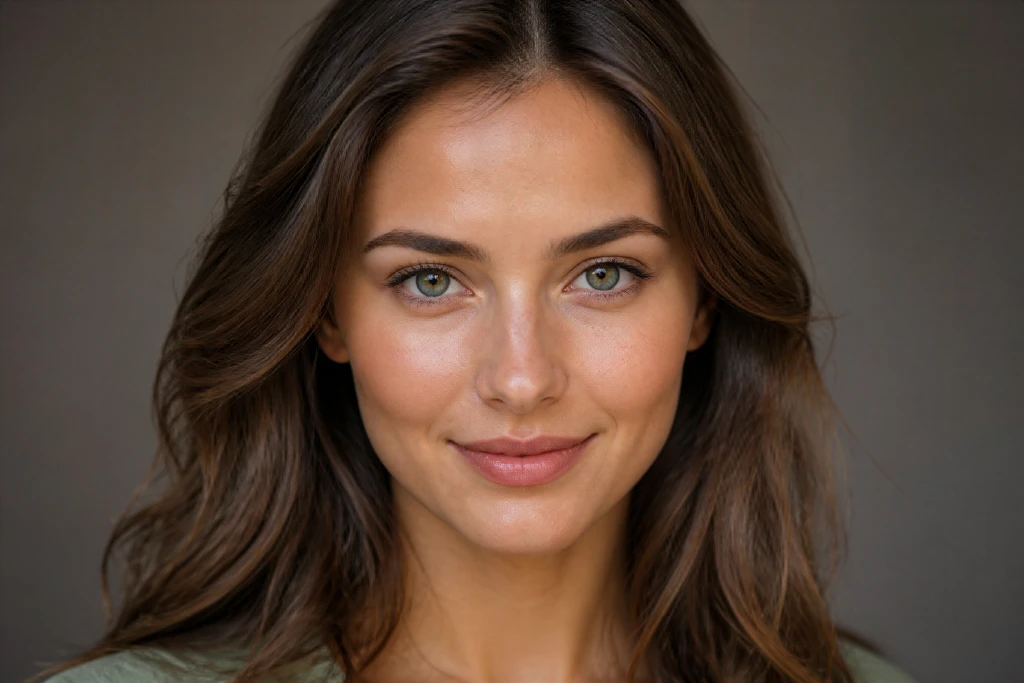
Drag to compare — real model output, not a mockup
Drop your image here
or click to choose a file
JPG · PNG · WEBP · up to 10 MB — only upload images you own or have the right to use.
Sign in to process your image
2 free credits on sign-up · no credit card required
You are out of credits
Choose a plan or a credit pack to keep processing. Failed jobs do not use credits.
No image handy? Try a sample
- Reconstructs edges and textures as an estimate
- Failed jobs do not use credits.
Illustrative figures. AI estimates detail, not a factual restore.
Before you upload
Is your image pixelated or just blurry?
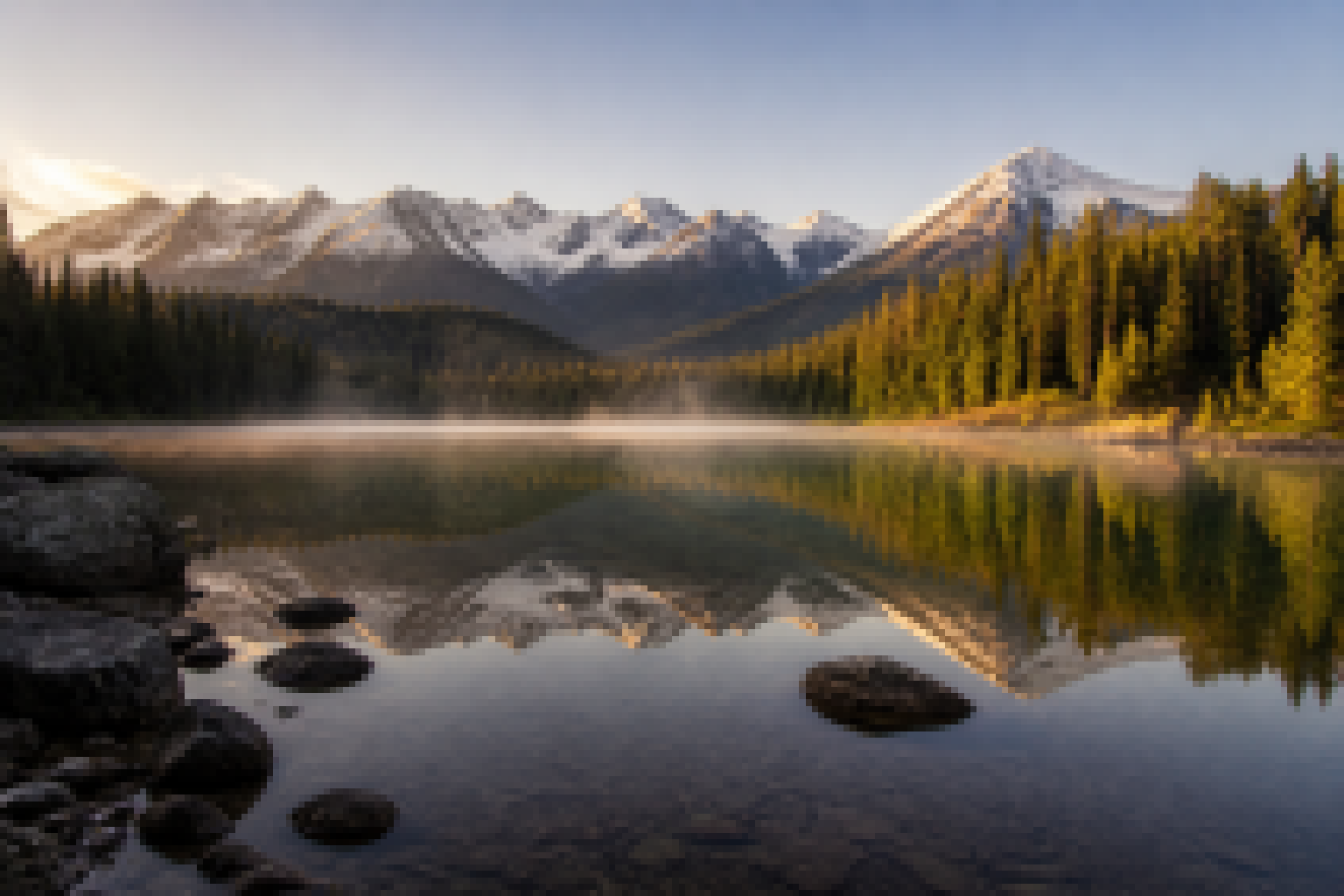
Pixelated — you see square blocks or a mosaic pattern
Usually caused by upscaling, heavy compression or a low-resolution screenshot. This is what the tool is built for.
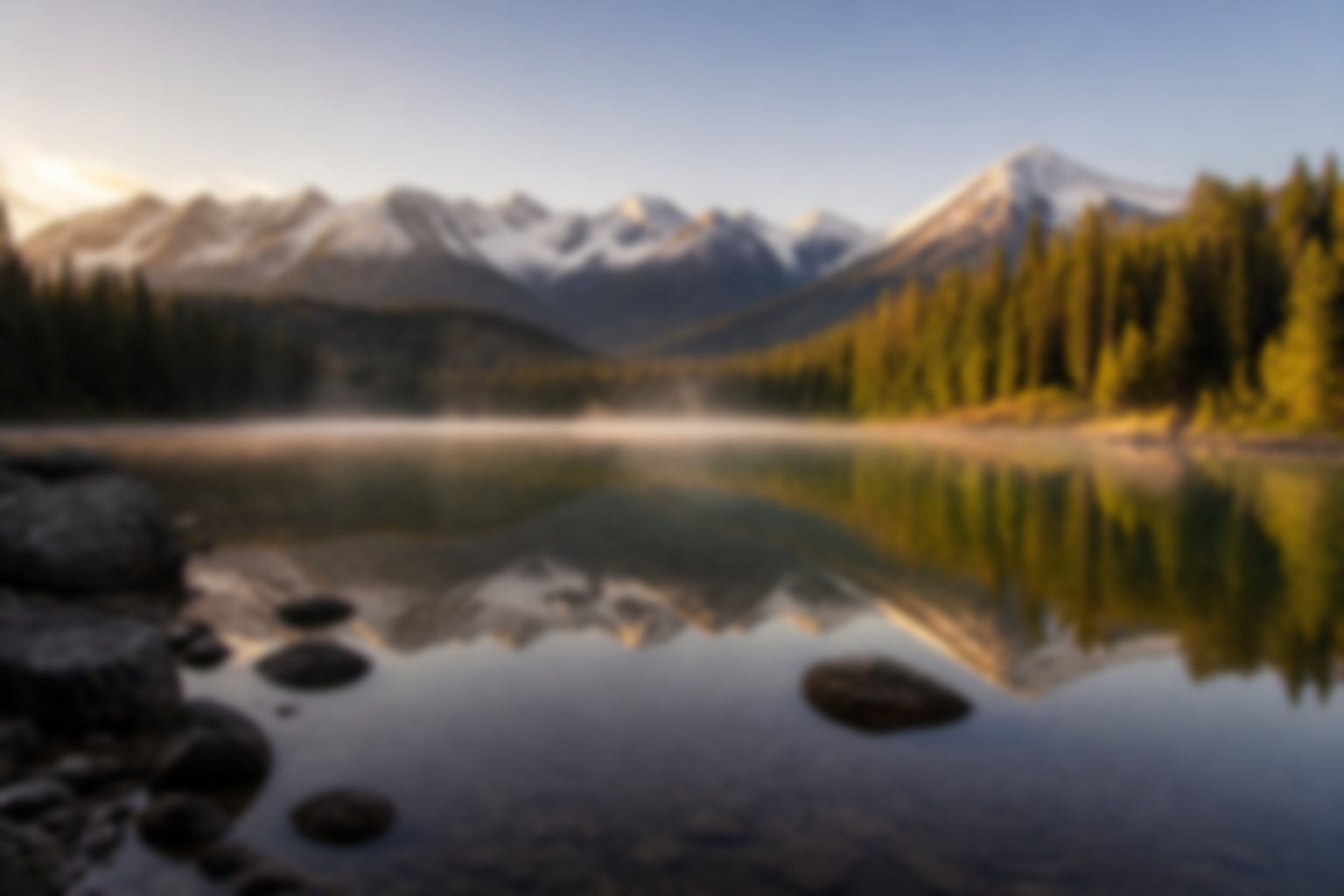
Blurry — edges look soft or smeared, with no block structure
Usually caused by motion or missed focus. This is a different problem, and results here will be more limited.
This tool is built for pixelation. For soft, out-of-focus photos, results will be more limited.
Scenarios
What you can unpixelate
Old and scanned photos
Blocky, low-resolution scans often sharpen noticeably. Very small or damaged originals may improve only slightly.
Screenshots and screen captures
Compression artifacts and upscaled interface edges are reconstructed as an estimate.
E-commerce product images
Over-upscaled catalogue shots get cleaner edges and a smoother surface.
Social media images and thumbnails
Heavily re-compressed thumbnails come back with a more natural texture.
Pixel art and 8-bit images
Useful for repairing compression damage. It will not redesign or change the art style.
Document and ID scans
May improve legibility on blocky scans. Results vary, and no forensic or text-recovery guarantee is provided.
Pixelated faces
Faces in low-resolution images are reconstructed as a plausible estimate, not an identification.
See it on a real file
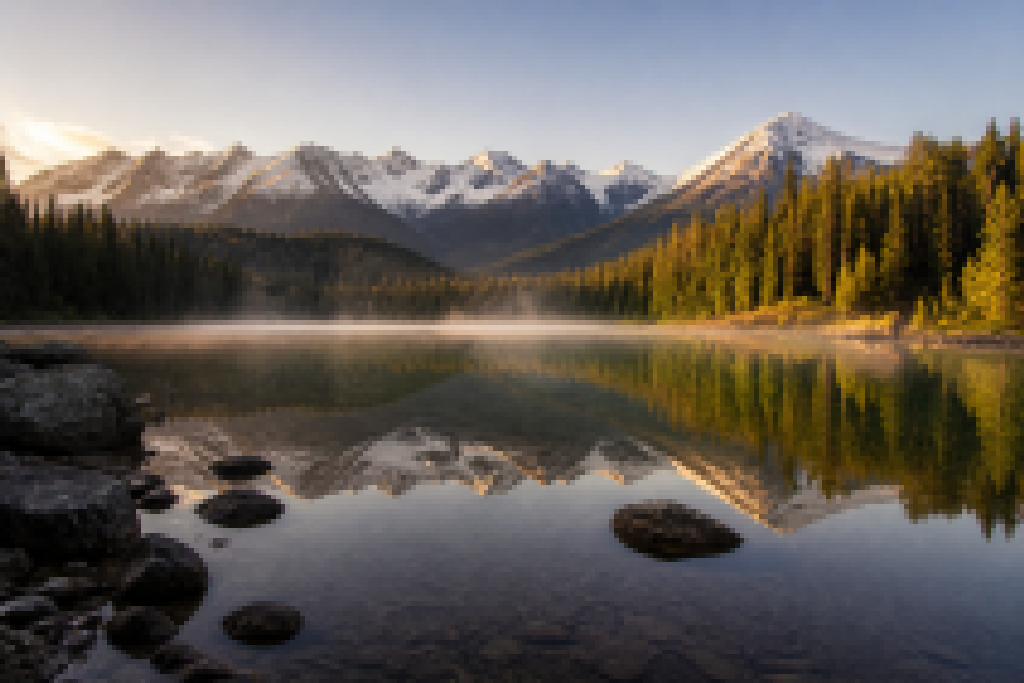
Drag each slider to compare a low-resolution source with the estimated result.
 BeforeAfter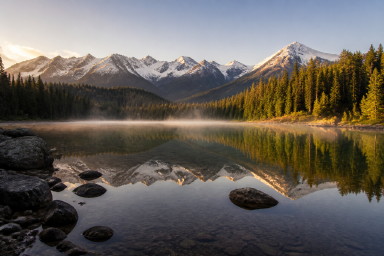
Rescue over-compressed phone photos and turn them into crisp, share-ready posts that hold up at any size.
2 MP output2 credits
 BeforeAfter
Lift heavy blocking off a face and get a smoother, more natural-looking portrait — clearer memories of the people who matter.
2 MP output2 credits
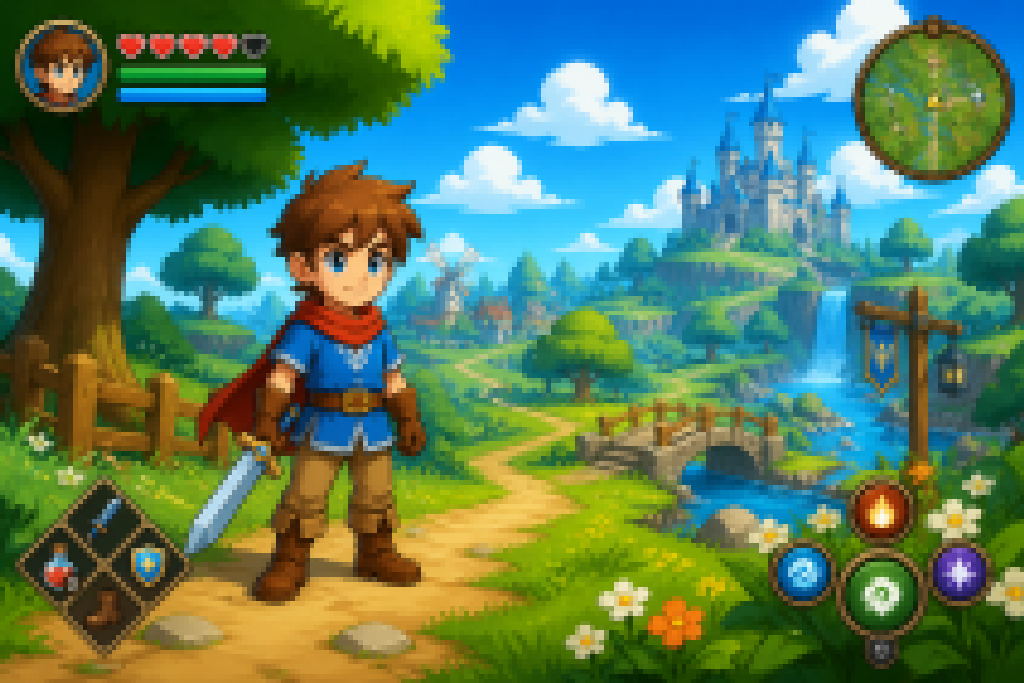 BeforeAfter
Bring low-res game captures back to life — sharper HUD text, textures and scenery so your best moments stay worth sharing.
2 MP output2 credits
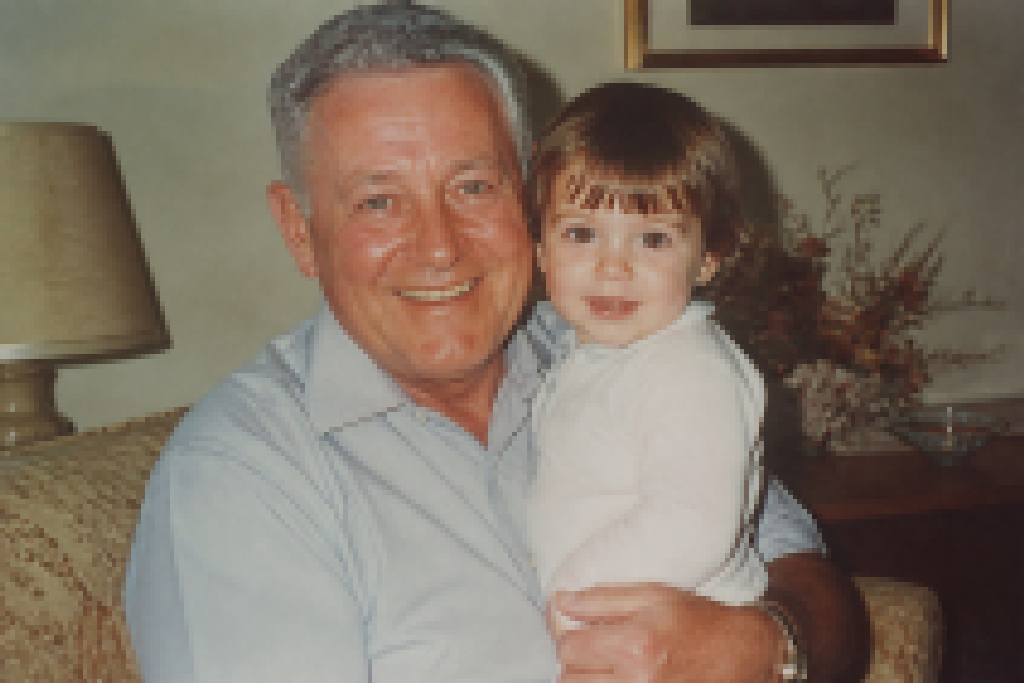 BeforeAfter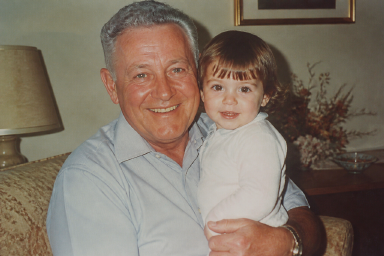
Restore faded, scanned family photos to high resolution — keep the moment just as warm, but sharp enough to frame and pass on.
2 MP output2 credits
How it works
How AI unpixelating works
Upload your image
Choose a JPG, PNG or WEBP file up to 10 MB.
The AI reconstructs blocky detail
The model estimates edges and texture where the blocks are, instead of only sharpening contrast.
Download your result
Compare before and after, then download. Standard costs 2 credits, and HD — reconstruction up to 8MP — costs 8.
how to unpixelate an image — the complete guide to methods, limits and tips.
Comparison
AI unpixelating vs. manual sharpening
| AI unpixelating | Manual sharpening | |
|---|---|---|
| Time | Under a minute | 10–30 minutes |
| Skill required | None | Intermediate to advanced |
| Cost | Free to start | Subscription software |
| What it does | Reconstructs edges and textures as an estimate | Sharpens contrast without adding detail |
| Works on mobile | Yes | Limited |
Pricing
Credits and pricing
Basic
For occasional images
US$12.90/month
Billed monthly, cancel anytime
- 100 credits every month, refreshed automatically
- Standard and HD reconstruction on every plan
- Credits reset each period, never roll over
- Cancel anytime
Pro
For regular work that needs real reconstruction
US$19.92/month
Billed US$239.04 yearly
- 280 credits every month, refreshed automatically
- Standard and HD reconstruction, up to 8 MP
- Credits reset each period, never roll over
- Cancel anytime
Max
For heavy daily use, best per-image rate
US$31.92/month
Billed US$383.04 yearly
- 700 credits every month, refreshed automatically
- Standard and HD reconstruction, up to 8 MP
- Best per-image rate we offer
- Credits reset each period, never roll over
One-time credit packs
No subscription, no commitment — a pack tops up credits and stays valid for three to six months. HD processing stays a subscription feature.
Hobby
A few images, no commitment
US$6.90
one-time payment
60 credits · ≈ 30 images
- ≈ 30 Standard or 7 HD images
- Valid for 3 months
- No subscription required
Value
The best pack rate at 8 MP
US$12.90
one-time payment
120 credits · ≈ 60 images
- ≈ 60 Standard or 15 HD images
- Valid for 3 months
- No subscription required
Pro Pack
Half a year of credits, pay once
US$19.90
one-time payment
200 credits · ≈ 100 images
- ≈ 100 Standard or 25 HD images
- Valid for 6 months
- No subscription required
Max Pack
The most credits, pay once
US$29.90
one-time payment
320 credits · ≈ 160 images
- ≈ 160 Standard or 40 HD images
- Valid for 6 months
- No subscription required
Credits are spent by output size: 2 credits for a Standard 2MP result, and 8 for HD — reconstruction up to 8MP, included with every paid plan. Failed, timed-out or rejected jobs are refunded in full. Subscription credits are valid for the current billing period and do not roll over; pack credits expire at the end of their validity window.
See pricing — plans, packs and billing questions on one page.
FAQ
Frequently asked questions
Is unpixelating an image free?
Yes. New accounts get 2 free credits — enough for one full Standard run — valid for 7 days, and no credit card is required to start. Subscriptions start at US$12.90/month.
Do I need to create an account?
Yes. You sign in with a Google account so your free credit and any purchased credits are attached to you. Signing in is free and no credit card is required.
What file types and sizes are supported?
JPG, PNG and WEBP, up to 10 MB. Standard returns a 2MP image, and HD reconstructs up to 8MP with the strongest detail recovery — both open to every account.
What is the difference between a pixelated and a blurry image?
Pixelated images show visible square blocks or a mosaic pattern, usually from upscaling, heavy compression or low-resolution screenshots. Blurry images look soft or smeared with no block structure, usually from motion or focus. The two need different fixes.
Can it recover text, faces or details that were blurred or censored?
No. The AI produces a plausible reconstruction of detail; it does not recover information that is genuinely missing, obscured, deleted or censored. Do not use the output as evidence of what an image originally contained.
Does it work on old photos?
It can improve blocky, low-resolution scans and heavily compressed photos. Severely damaged or very small originals may see limited improvement.
What happens to my images?
Uploaded images and results are kept for a maximum of 14 days and then automatically deleted. Images are sent to our AI provider for processing. See our Privacy Policy for details.
Can I get a refund?
Yes — first subscriptions can be refunded within 14 days if no credits were used in that period. See our Refund Policy for the full terms.
More questions? See the frequently asked questions page.