
Unblur image
Unblur an Image Online — Fix Blurry Photos with AI
Blur has a cause, and each cause behaves differently. The AI estimates the sharp edges that defocus and compression destroyed — and tells you honestly what motion blur keeps smearing.
Drop your blurry photo here
or click to choose a file
JPG · PNG · WEBP · up to 10 MB — only upload images you own or have the right to use.
Sign in to process your image
2 free credits on sign-up · no credit card required
You are out of credits
Choose a plan or a credit pack to keep processing. Failed jobs do not use credits.
Diagnosis
Three kinds of blur — and which one you have
Out of focus
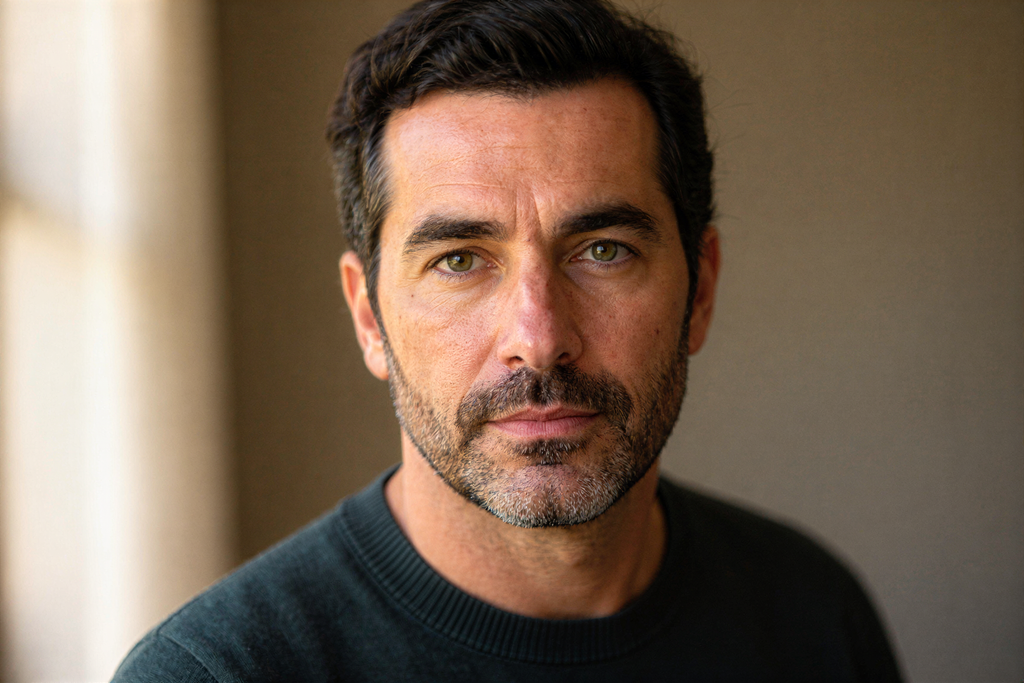
The lens missed the plane of focus and the whole frame — or the subject — is uniformly soft. The structure survives everywhere, which makes this the strongest case for reconstruction.
Standard is usually enough; HD for faces you will print.
Compression blur
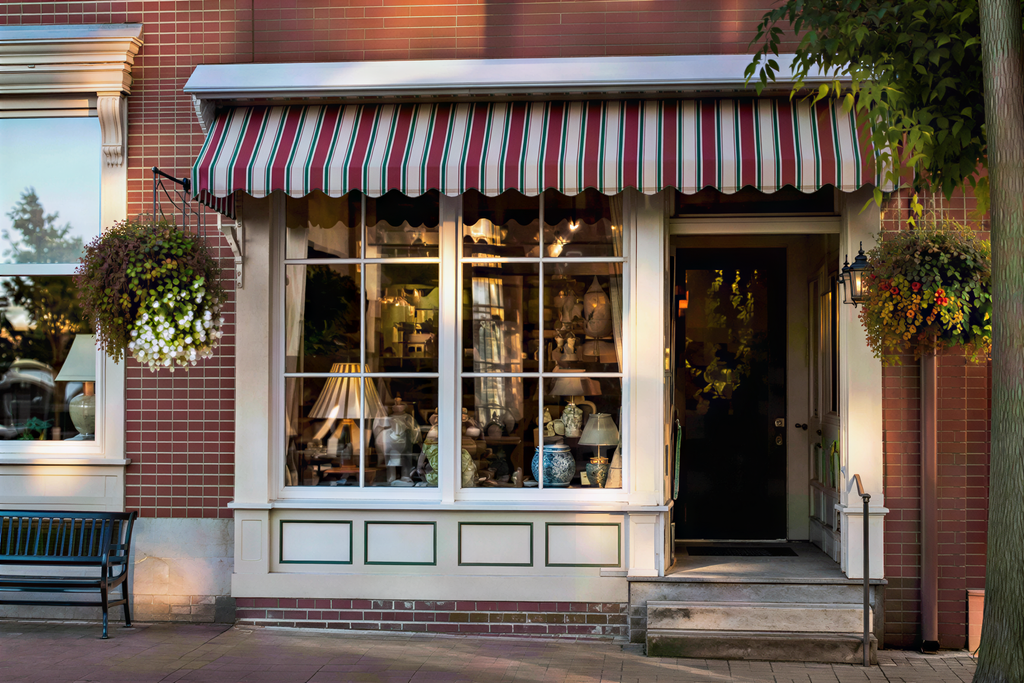
The file was saved hard and re-saved again: 8×8 blocks, ringing around edges, smeared texture. The artifacts follow a grid, and the model estimates the clean edges underneath.
Standard is usually enough.
Motion blur
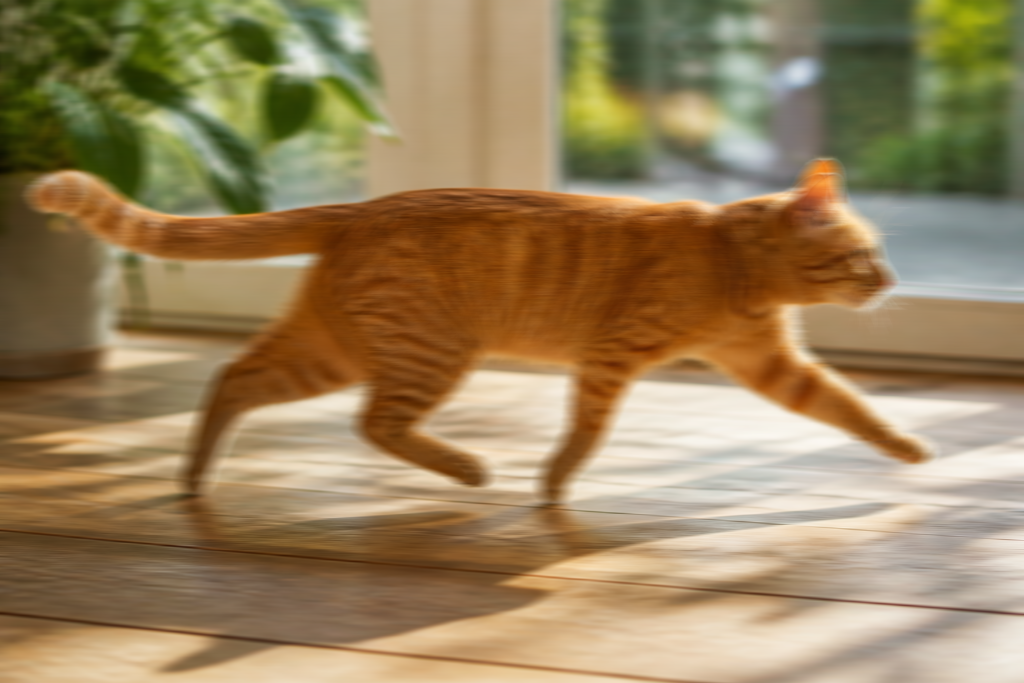
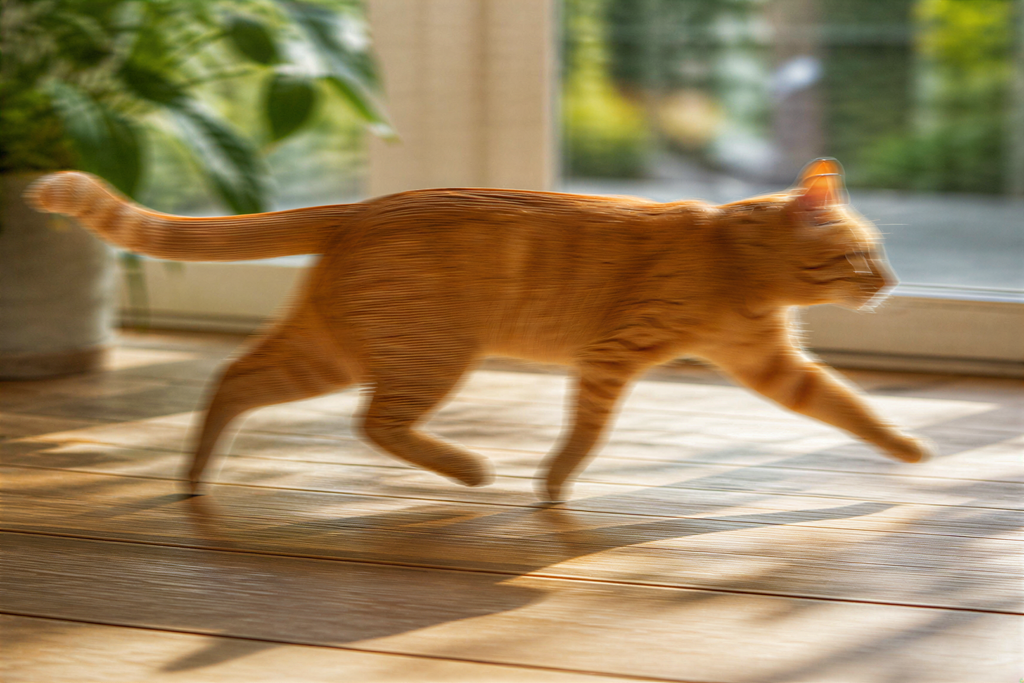
The camera or the subject moved while the shutter was open. The smear runs in one direction, and the detail it crossed is genuinely gone — the static parts of the frame come back sharp, while the moving subject keeps its softness.
Expect honesty, not a rescue. See the limits below.
Not sure which you have? Zoom to 200% and drag the photo sideways in your head: a soft frame without a grid is defocus, blocky edges with ringing are compression, and a smear that runs one direction is motion. Regular square blocks instead of softness mean pixelation — a different problem, covered in how to fix a pixelated image.
Example
Real before/after, by blur type
Both pairs below are the production pipeline’s Standard output for that exact blurry input — not the untouched original. The defocus case recovers eyes, beard and fabric; the compression case cleans the blocks off awning, brickwork and window frames.
 Before
 After
After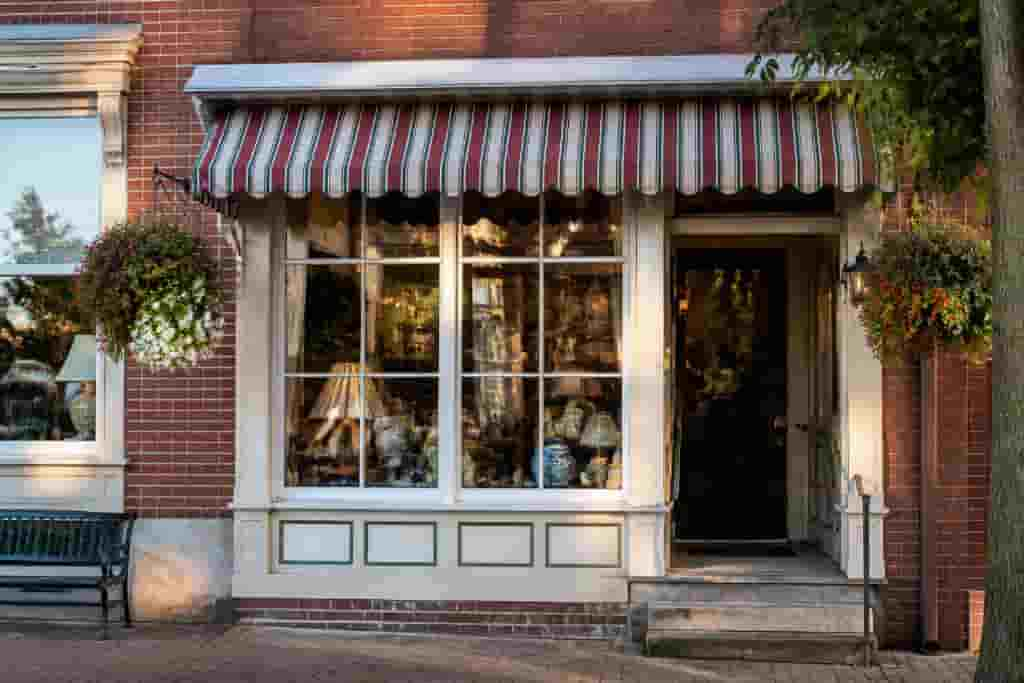 Before
 After
AfterHow it works
How to unblur a photo
Upload your photo
Sign in with Google and drop a JPG, PNG or WEBP up to 10 MB. Your free credits are attached to your account — no credit card required.
The AI estimates the sharp edges
The model reads the structure that survives inside the blur and estimates the edges and texture it replaced, instead of only raising contrast.
Compare and download
Drag the before/after slider; if the reconstruction reads the way you need, download the result. Standard costs 2 credits, HD 8 — failed jobs are refunded automatically.
Why not just sharpen
Why a sharpen filter can’t unblur
Sharpening raises contrast along edges that already exist. When blur has smeared an edge over several pixels, the contrast curve is still there — mangled but present — and a modest sharpen or the Photos app’s Definition slider can make a mildly soft photo look acceptable again.
Past that point the edge itself is gone, and contrast tricks have nothing to grip. Reconstruction is a different operation: the model estimates which sharp edges most plausibly produced the smear it sees. That is also why it works better on some blurs than others — the more structure survives, the better the estimate. The manual workflow and where it stops is compared in Unpixelate.net vs Photoshop; the phone-side edits are in how to fix a blurry picture on iPhone.
What to expect
What comes back — and what stays smeared
 Before
 After
AfterWorks well
Defocus and compression blur — the structure survives everywhere and the model estimates the sharp version back. Faces come back recognizable, backgrounds stay put, and output is delivered at the mode’s size (Standard 2MP, HD 8MP).
Out of reach
Content that was hidden before the image degraded. unpixelate.net does not remove censorship, redaction or mosaic blur that was applied on purpose, and a motion smear that crossed real detail keeps that detail gone — anything the model put in its place would be invention, not recovery.
Every result carries the same disclaimer: output is a plausible estimate, not a factual restore of the original. Working on text rather than a whole photo? Unpixelate text is the focused tool; the methods and limits in depth are in how to unblur text in an image.
FAQ
Unblurring images — frequently asked questions
Can you actually unblur a photo, or just sharpen it?
Actually unblur, within limits. A sharpen filter raises contrast along edges that already exist; it cannot create the edges a blur destroyed. The model instead estimates the sharp edges and texture from the structure that survived, which is why defocus and compression blur respond strongly — and why a smear that crossed real detail during the exposure stays smeared.
Is it free?
Sign-up includes 2 free credits — enough for one Standard run — and no credit card is required. After that, Standard output costs 2 credits per image and HD 8; failed jobs are refunded automatically.
Can I unblur a photo on my iPhone or Android?
Yes — the tool runs in the browser, so the phone workflow is upload, compare and download. Our guide to fixing a blurry picture on iPhone covers the phone-specific causes and the free Photos-app edits worth trying first.
Why do photos turn blurry when someone sends them to me?
Messaging apps downscale and re-compress attachments to save bandwidth, and every hop adds another layer of loss. The delivered file is degraded, not merely soft. Our guide on why pictures get blurry when sent explains the settings that reduce it — and a reconstruction can clean up what already arrived.
Can it unblur text in a screenshot?
Yes, and there is a dedicated page for that job: unpixelate text. Letterforms are highly structured, which makes degraded text one of the stronger cases — the same honesty rule applies to text that was covered up on purpose.
Will it change the face or the background?
The output is an estimate of the same scene, not a re-imagination: identity, layout and colors are preserved. Fine texture is reconstructed where the blur destroyed it, and HD carries the strongest detail recovery — useful when a face is the point of the photo.
Should I unblur or upscale first?
Neither — they are the same pass here. The reconstruction delivers at the mode's output size (Standard 2MP, HD 8MP), so a blurry photo comes back both sharper and larger in one run. Running a separate upscaler first only adds a generation of loss.
What does the AI do with my upload?
Uploads go to our AI provider for processing and are kept for at most 14 days, then deleted automatically. Your images are never used to train models. The Privacy Policy has the details.
More questions? See the frequently asked questions page.
More pixel tools
Related jobs, one toolbox
Unpixelate image (AI)
The main tool: full photos, faces, textures and scenery, reconstructed in the browser — no install, no watermark.
Fix pixelated image
Blocks instead of softness? That is pixelation, not blur — the guide covers the causes, the manual fixes and where AI takes over.
Unpixelate text
Chat history, code, receipts: the text-focused page makes degraded screenshots and scans readable again.